AI Video
Photo & Multi-Ref to Video
Turn portraits or multi-reference shots into fluid 1080p clips with native audio.
Open Video StudioDescribe what you want to make or start with an example below.
Turn portraits or multi-reference shots into fluid 1080p clips with native audio.
Open Video StudioPreserve product contours and portrait identity across studio lighting and film styles.
Open Image StudioPreserve original RGB details with clean cutouts and masked local edits.
Try nowSharpen footage with 2x enhancement or drag a mask to cleanly remove objects.
Enhance VideoDescribe a scene to create layered MP3 sound effects.
Listen & createComposite real product shots with crisp headlines and brand logos.
Design PosterTRY A STYLE
Pick a style to load its reference image and prompt above.
 Warm film
 Soft glow
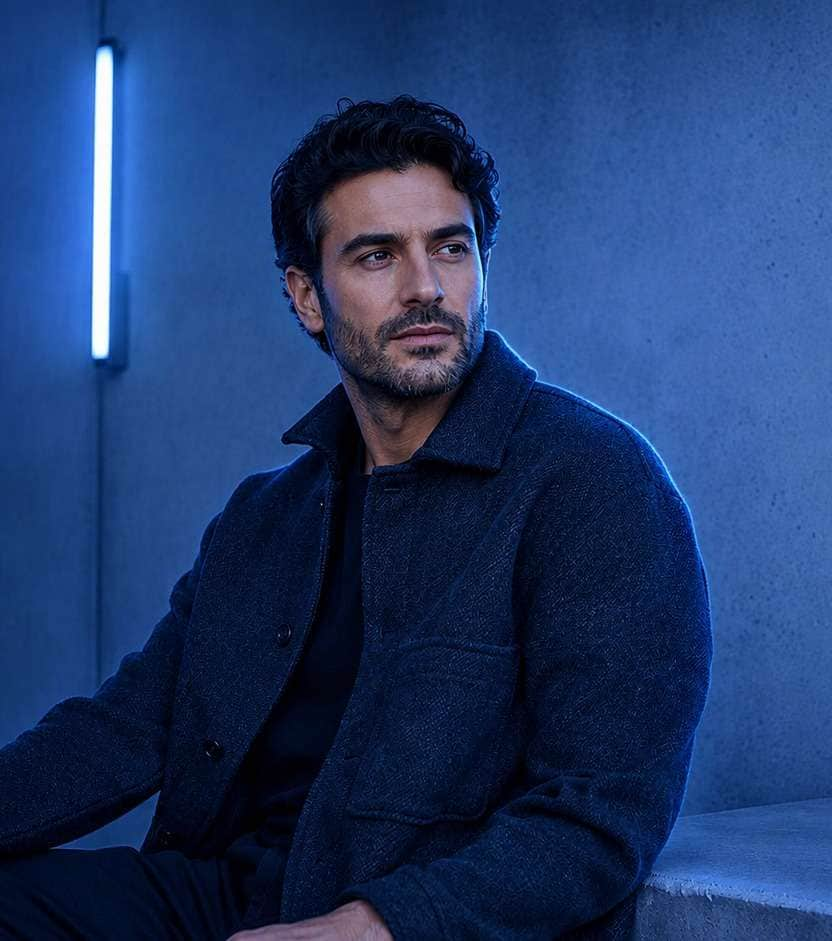 Cool cinema
 Retro camera
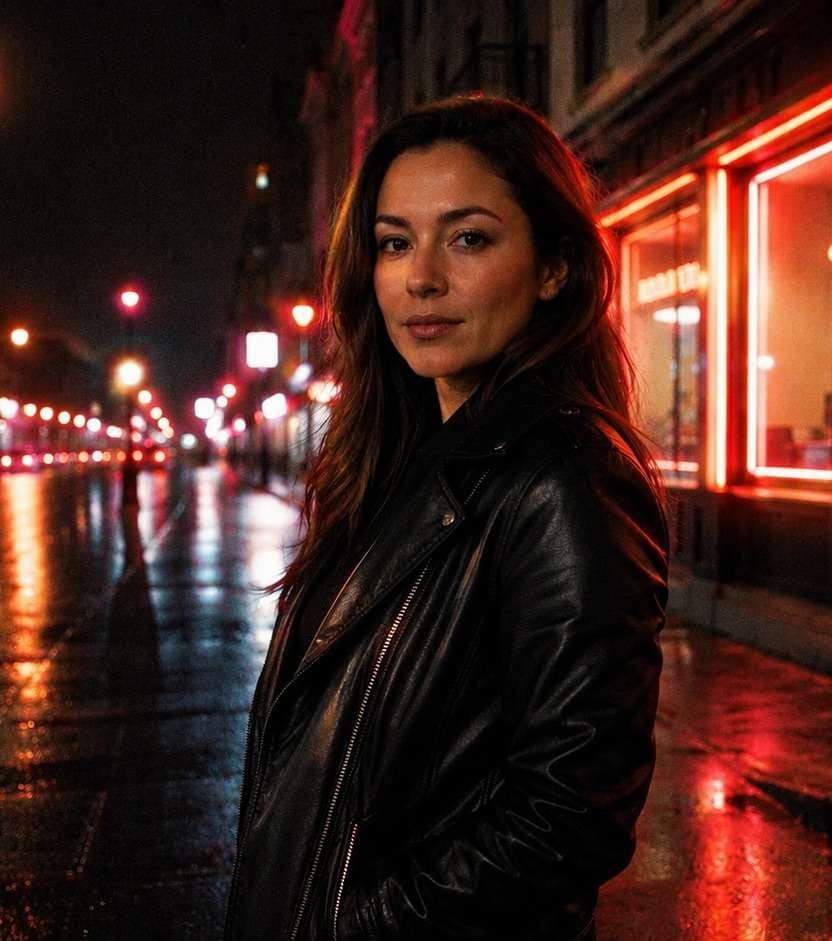 Film halation
 Dusk mood
GET INSPIRED
Pick an image or video to load its prompt and preview above.

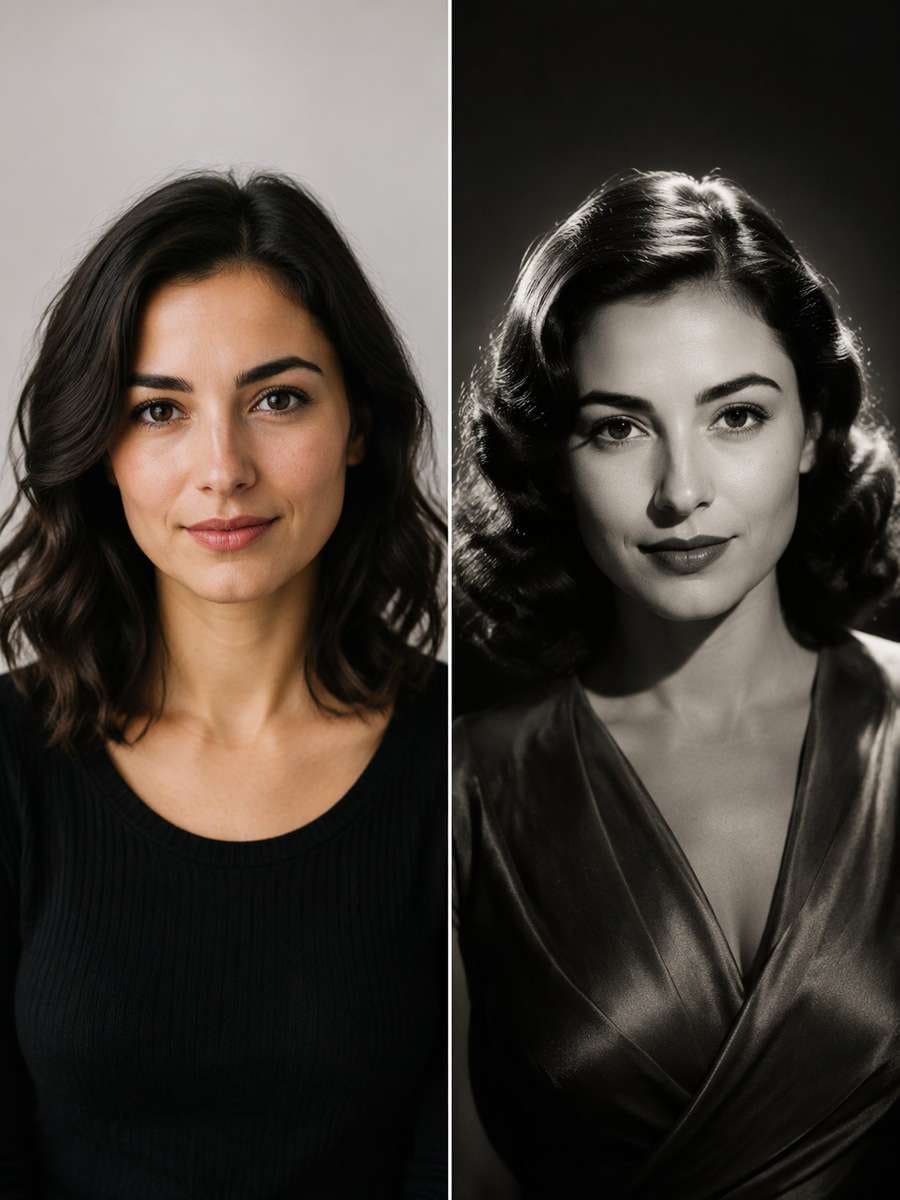


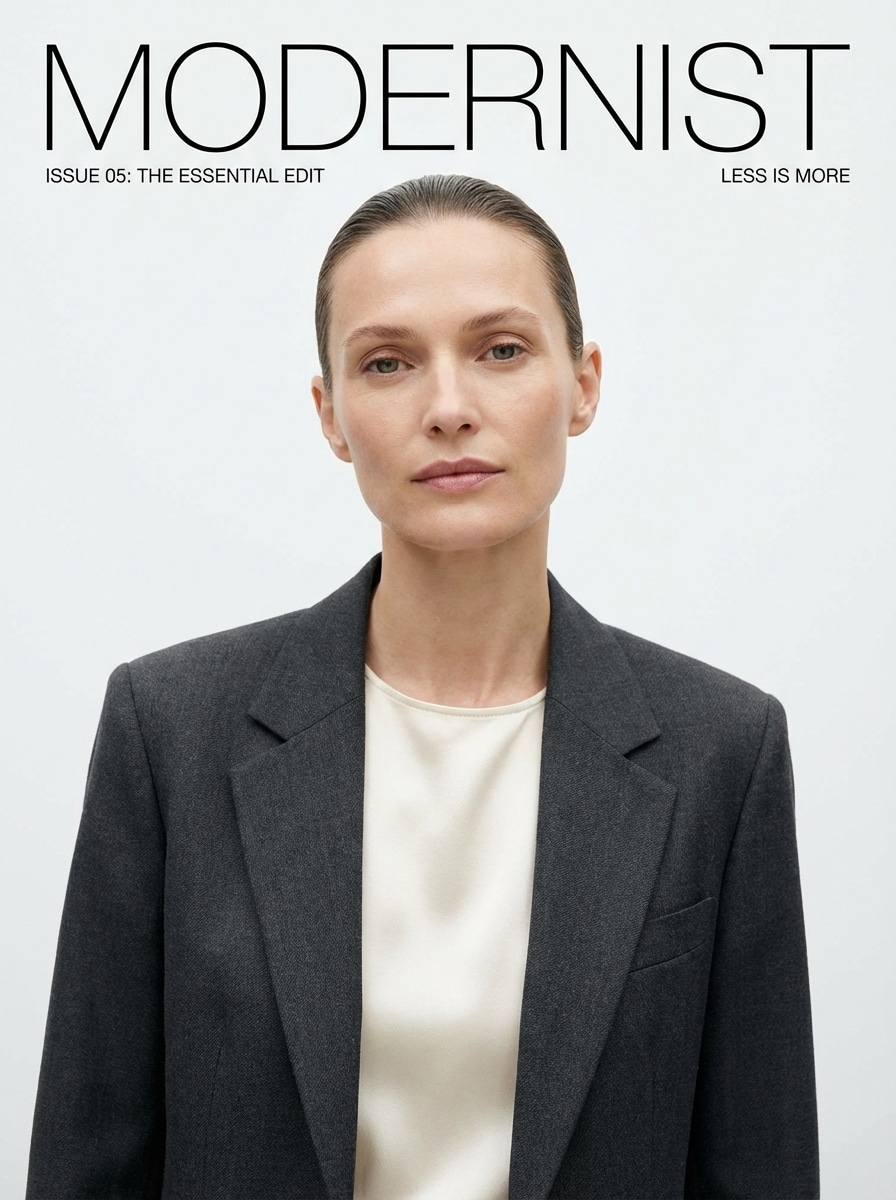


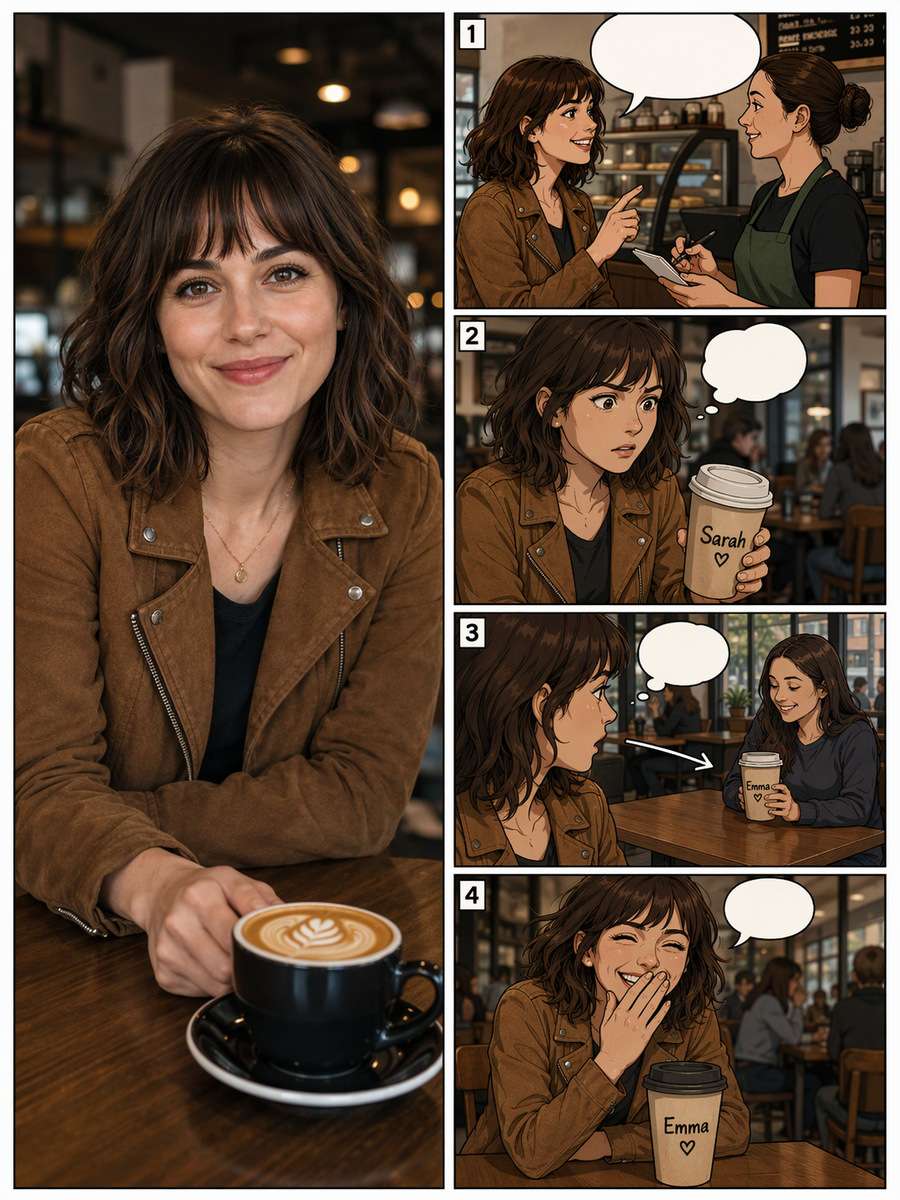





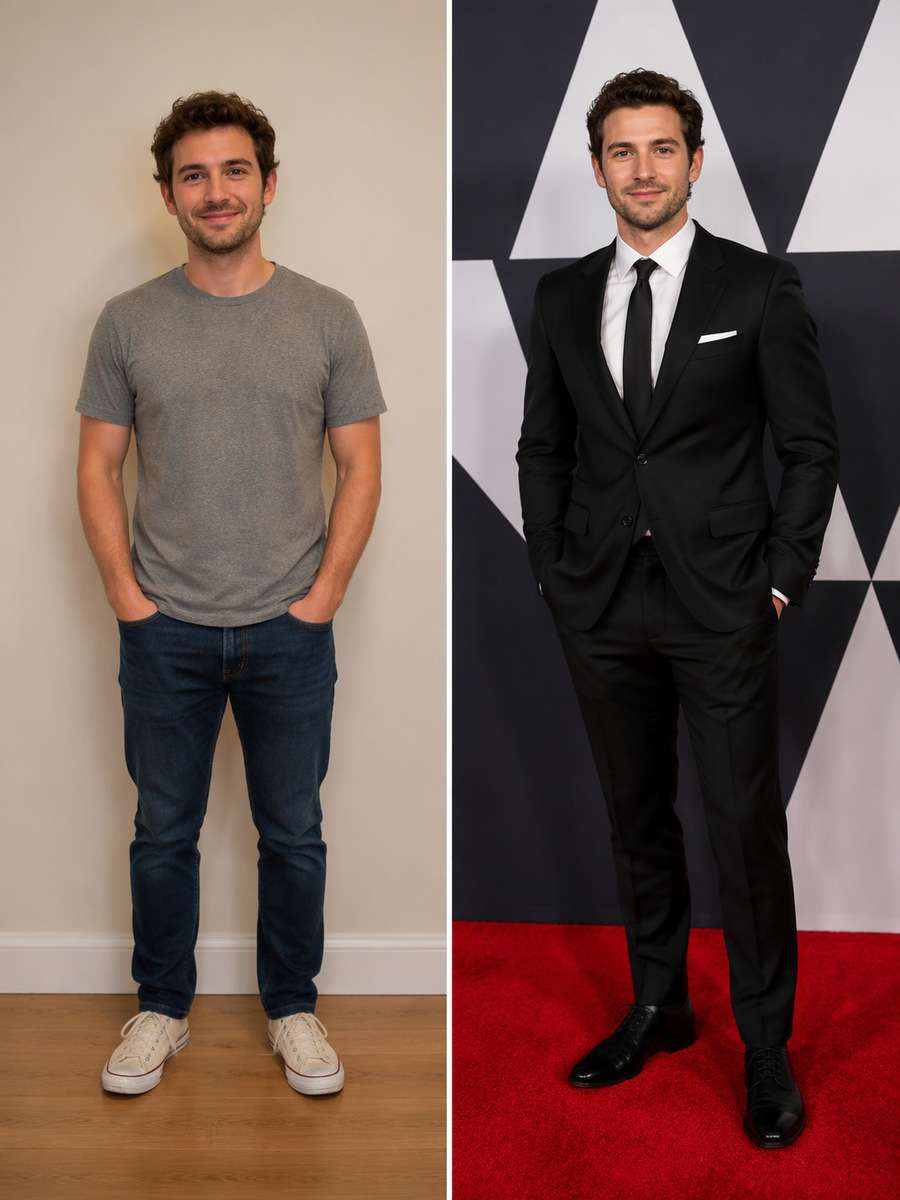



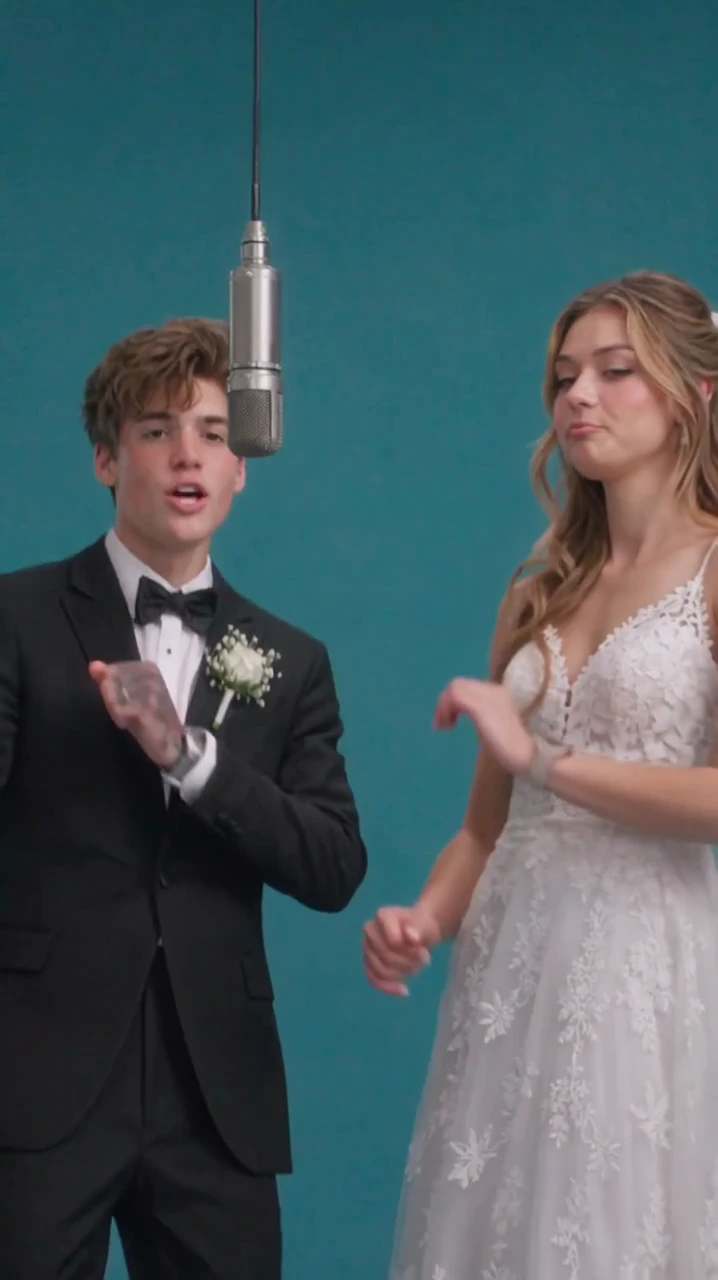
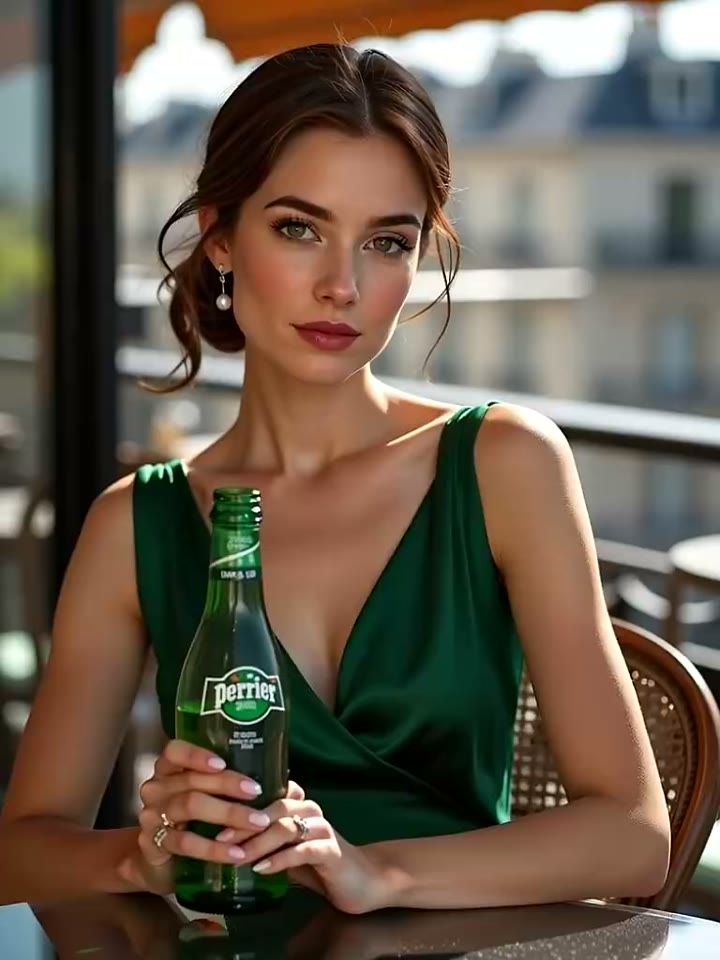



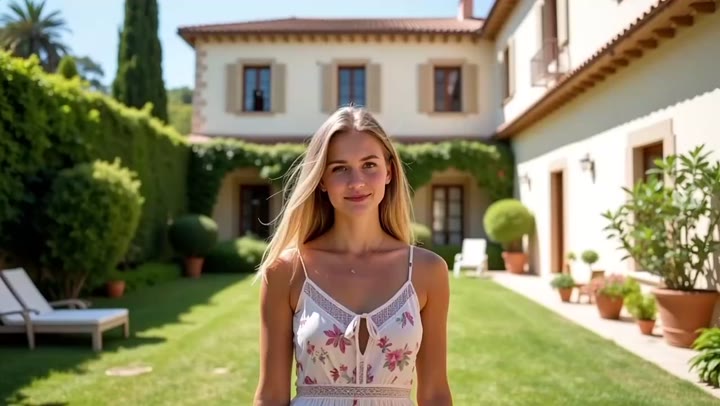
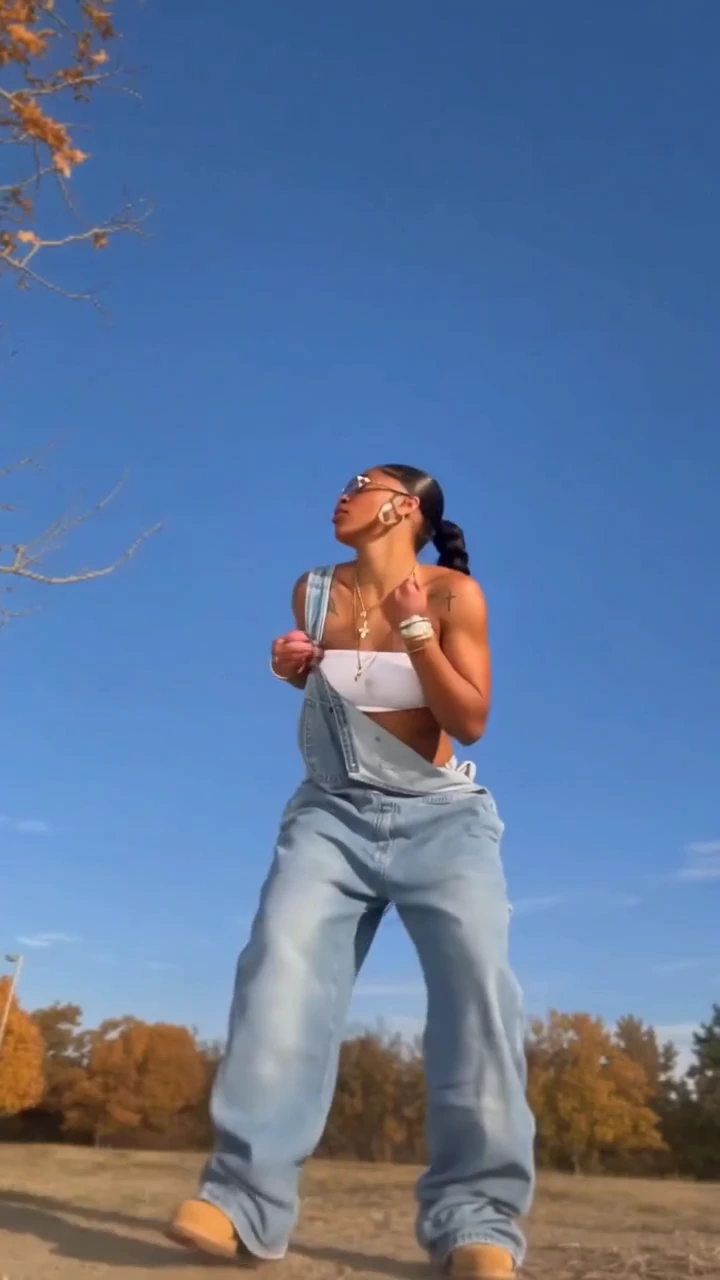
CREATE FOR EVERY WAY YOU WORK
Start with ready-made camera transitions and portrait motion templates to produce vertical clips without timeline editing.
Turn a photo or a short prompt into a product campaign or a social video.

Remove a background or retouch a painted selection while preserving every pixel outside it.
Transparent PNG · Original RGB preservedBuild a scene around the original product layer, then add crisp lettering and brand logos.
High-resolution campaign art · Deterministic layoutAnimate a portrait or product still. Preview a vertical template before creating your own clip.
MP4 shorts with fluid motionSOCIAL HIGHLIGHTS
CHOOSE YOUR PLAN
Review the credit cost before you create. Credits are returned when a job is confirmed to have failed.
$0
Get 3 credits when you sign up, enough for one background removal.
Start for freeBased on the free sign-up credits
$12/ month
300 credits a month for your everyday image ideas.
Upgrade to CreatorCreative tools use credits per job
What this allowance can make if spent on one tool
$29/ month
1,000 credits a month for product visuals and campaign content.
Upgrade to StudioCreative tools use credits per job
What this allowance can make if spent on one tool
Unused subscription credits expire when the next allotment is issued.
For variable-cost jobs such as video and 4K, the server quotes the exact credits for you to confirm before starting.
Paid plans and credit packs include commercial use, subject to applicable law and third-party rights. Free sign-up credits are for personal evaluation only.
FREQUENTLY ASKED QUESTIONS
From picking a tool to preparing your assets.
Here’s what you need to know.
Pick a tool or template, upload your image, and review the settings and credit cost before creating. Make product shots, campaign graphics, portraits, videos and sound effects.